Information for quotes and estimates
Look up the VIN during preparation. Use the factory details to check the relevant headlamp, glass and bumper variants in the parts catalogue.

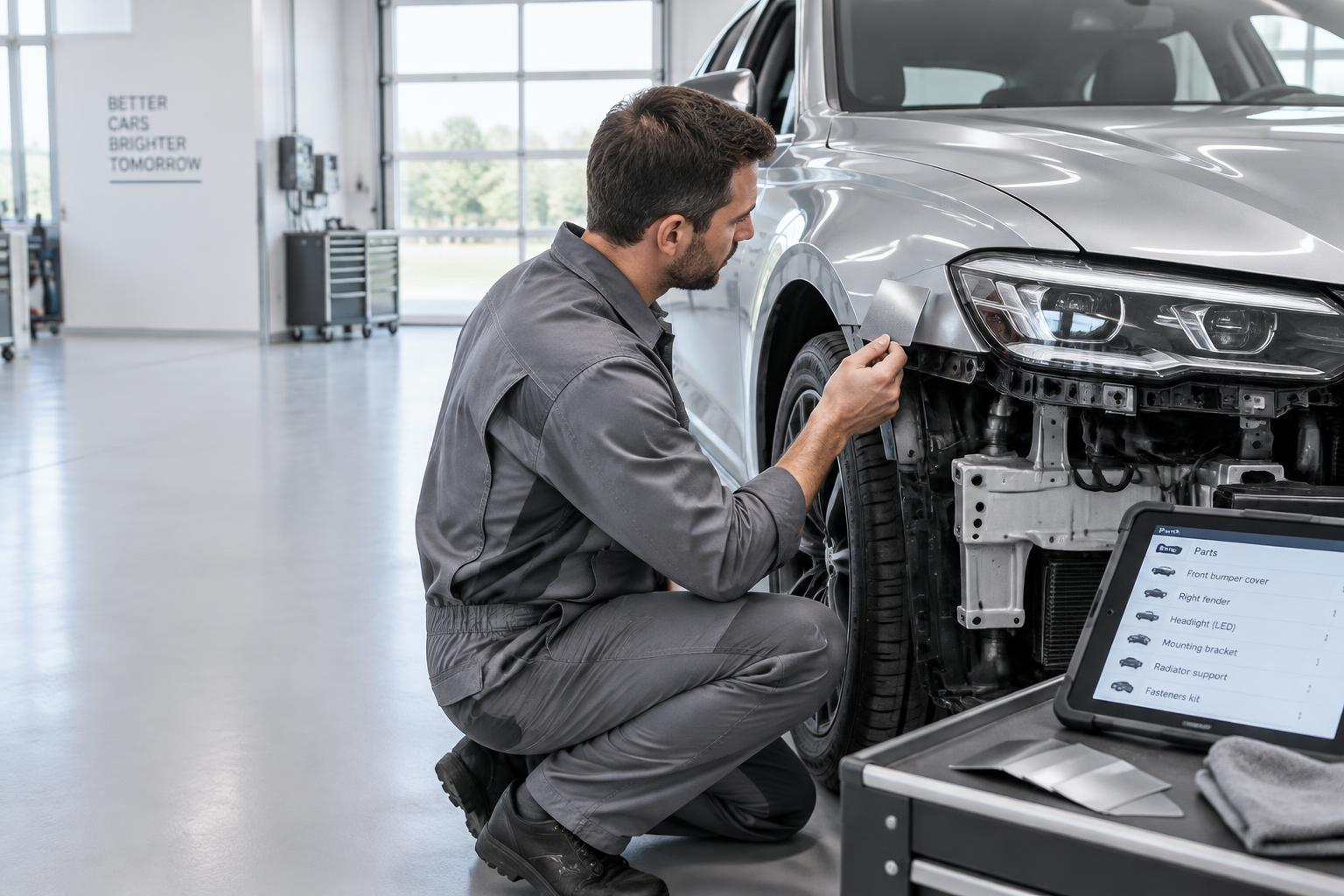
Look up the VIN to see the paint code, technical details and raw factory equipment list. Use the codes when checking the car’s lights, glass and driver assistance systems.
Identifying the vehicle variant
VINdata.io
Look up the VIN during preparation. Use the factory details to check the relevant headlamp, glass and bumper variants in the parts catalogue.
Find the factory paint code, colour name and any interior trim codes. Use the paint code in your paint system and check the colour with a spray-out sample.
Use factory option codes, such as PR codes on VAG vehicles, alongside the VIN in the parts catalogue or when contacting your supplier.
Check the factory details for radar, cameras and parking sensors. Use them to prepare the job, and follow the manufacturer’s repair and calibration instructions.
If you work on vehicles for fleets, leasing companies or insurers, factory data can form part of the job card documentation. Contact us about lookups for larger lists.
Find the model, engine, transmission and factory equipment before the car arrives. Use the information to clarify the job and research parts.
Example from a saved lookup
This saved lookup for a 2016 Volkswagen Passat contains 203 factory records. Here is a selection relevant to mechanics, body shops and paint shops.
Volkswagen Passat · 2016
WVWZZZ3CZGE200403
K5/K5Tungsten Silver Metallic
TTMoon Rock Black / Titanium Black / St. Tropez
p2jlBody-colored bumpers with chrome trims
p4b4Lower side trims in chrome
pwlhLED headlamps with dynamic cornering light and LED separate daytime running light
p8spLED rear combination lamps, dark red
p8whFront fog lamps and cornering light, with chrome bezels
p8x1Headlamp washer system
p6k3Forward Collision Warning Front Assist, Autonomous Emergency Braking (for ACC up to 160 km/h)
pka2Rear view camera system
pqk0Without multifunction camera
p7y0Without lane change assist
p4gfWindshield in heat-insulating glass
pps4Tilting and sliding panoramic sunroof
p5rqRight exterior mirror, convex
p4zbChrome trims on the side windows
Option codes and original descriptions are shown as recorded in the factory data, often in English or German. VINdata.io does not guess equipment.
A code missing from the list does not, by itself, prove that the equipment is absent. Check the car if the detail affects parts selection.
AI & integrations
An API integration lets you retrieve factory data in your workshop’s own systems. API access requires approval, and the connection to your system must be developed.
Use an MCP-compatible AI assistant to retrieve factory data for a VIN and find details such as the paint code or headlamp specification in the equipment list.
Try the MCP demoThe REST API delivers structured JSON for use in an integration with your workshop management system, estimating system or job cards.
See API documentationVINdata.io shows factory data, not subsequent repairs, retrofits or the car’s current condition. Coverage varies, and data is not available for every VIN. The service is not a parts catalogue, a paint formula database or a guide to repair and calibration.
See the plans for your workshop’s needs. API access requires approval. Free accounts receive a total of 3 successful API lookups as a trial; these do not reset.
No. You get the factory paint code and colour name where these are available in the data. Find paint formulas and colour variants in your paint supplier’s system.
Coverage depends on the make, year and VIN. Try a lookup for the specific car to see what information is available.
No. VINdata.io shows factory data, not the car’s damage or repair history.
The equipment list may show the car’s original camera and radar systems. Whether calibration is required depends on the specific repair and the manufacturer’s instructions.
You can develop an integration using the REST API. Apply for API access under Settings → API. Contact support@vindata.io about access and business agreements.