Check the vehicle variant
Compare model, body and drivetrain details with the registration document and the VIN on the vehicle.

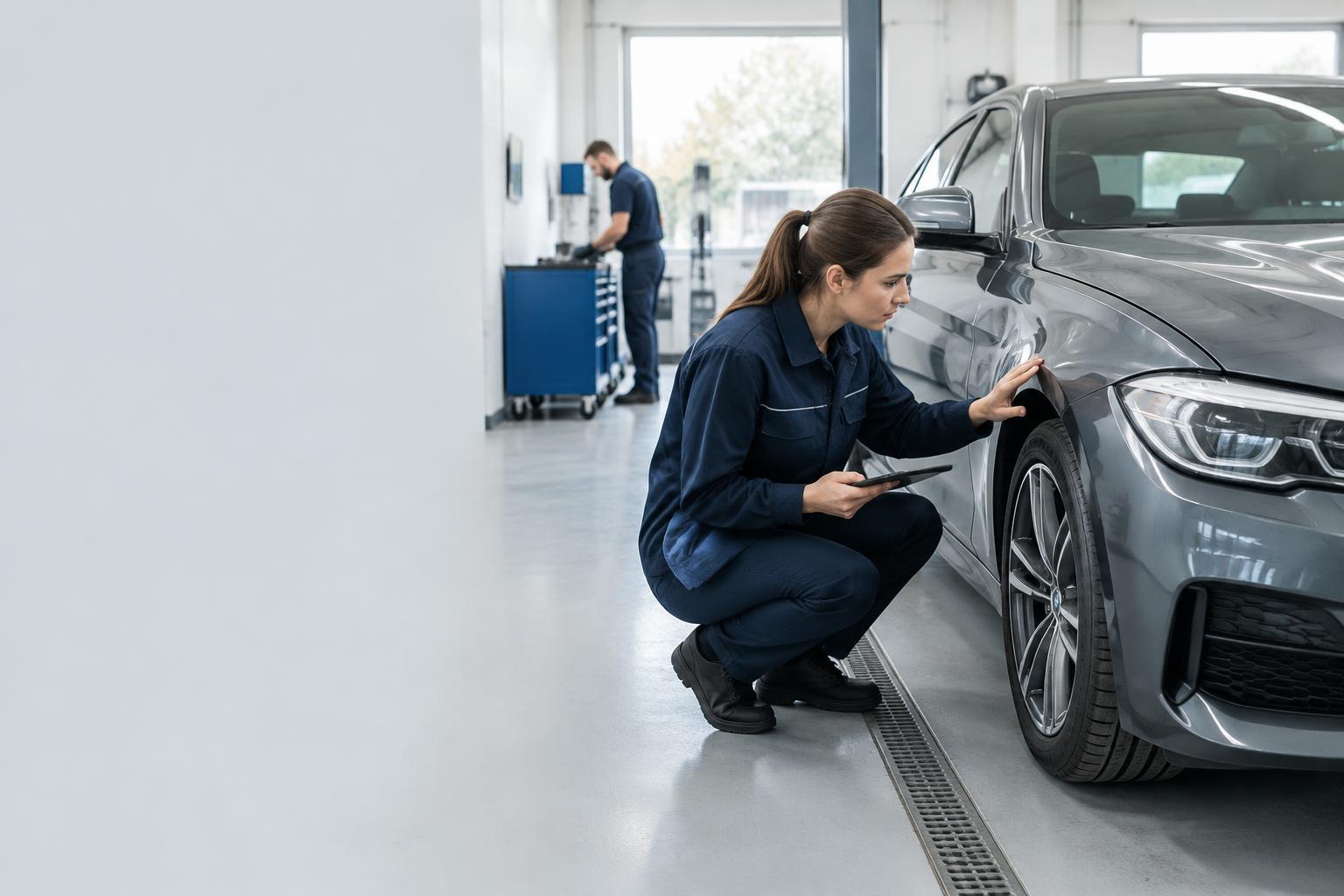
Retrieve model, engine, transmission, paint code and factory equipment details for the claim file. Use them as a reference when inspecting the vehicle and determining the scope of repairs.
Factory data for the claim file
VINdata.io
Compare model, body and drivetrain details with the registration document and the VIN on the vehicle.
Use option codes and original descriptions to investigate the vehicle's lights, glazing and driver-assistance systems. Check the fitted components on the vehicle and in the manufacturer's parts catalogue.
Use the paint code and interior details as references where they are available in the lookup. The refinisher must check the current paint finish and shade. VINdata does not provide paint formulas.
Share relevant factory data with the workshop where the equipment variant affects the work. Obtain repair methods, calibration requirements, labour times and prices from the relevant technical systems.
Attach relevant information alongside dated photos and your own notes. Keep factory data clearly separate from the inspection findings and any valuation.
With approved API access, your developers can bring factory data into the claim file. A compatible MCP assistant can help organise the information for the assessor's review.
Example from a saved lookup
This example is a saved Volkswagen Passat lookup containing 203 factory records. Here is a selection from the equipment list. This is not a live lookup.
Volkswagen Passat · 2016
WVWZZZ3CZGE200403
pk8bNotchback
ptr14-cylinder diesel engine 2.0 L unit 04L.A
p7mmEmission standard EU6 plus
pg1a6-speed automatic transmission or DSG note: family EDF
pka2Rear view camera system
pps4Tilting and sliding panoramic sunroof
p8t8Adaptive Cruise Control ACC "stop & go" incl. speed limiter
pzncNavigation system "Discover Pro"
p4a4Heated front and outer rear seats
pa8fHighline
pwlhLED headlamps with dynamic cornering light and LED separate daytime running light
lb7w/Tungsten Silver Metallic/Tungsten Silver Metallic
p1d0Without trailer hitch
pks0Without head-up display
p7y0Without lane change assist
pqk0Without multifunction camera
These are the original factory descriptions in English, not AI-generated equipment lists. The list may include technical details, repeated entries and equipment the vehicle was supplied without.
An entry such as “without trailer hitch” describes the vehicle as it left the factory. If a trailer hitch is not mentioned at all, we do not know whether one was fitted at the factory. Check the vehicle for equipment added or removed later.
AI & integrations
Try lookups on vehicles from your own cases. Check whether the information is useful for your work before connecting VINdata to your case-management system.
Connect a compatible assistant such as Claude or ChatGPT to https://mcp.vindata.io/api/public/mcp with your approved API key. The assistant can retrieve and organise factory data for your review. It must not guess the model or equipment.
Try the MCP demoYour developers can use the API to bring factory data into your own system. Preserve the original option codes and descriptions. API access requires approval. Free accounts receive 3 successful API lookups in total for testing, shared across all keys on the account. They do not expire or reset each month.
See API documentationVINdata does not show damage history or assess the cause of damage, repair quality or insurance coverage. Lookups do not include labour times, parts prices or market value. They do not replace an inspection, diagnostic work or the manufacturer's repair instructions. Coverage varies, and not every VIN can be looked up.
Use the website for lookups on individual claims. Contact us about approved API access and higher volumes if you want to bring data into your case-management system. Standard accounts do not have access to bulk lookups on the website.
No. The lookup shows factory data. Damage and previous repairs must be investigated by examining the vehicle and consulting other relevant information.
No. VINdata does not calculate repair costs or vehicle value, and it does not make decisions on claims.
No. The codes may describe the vehicle's original equipment, but calibration requirements must be determined from the vehicle, the work being carried out and the manufacturer's repair instructions.
Yes. Save the information as factory data, clearly separate from your own findings and assessments. Contact us about API integration and any requirements for displaying the data in your system.
Apply for API access and test VINs from relevant makes, model years and markets. Trial access is described above. Contact support@vindata.io to arrange a larger sample if needed.